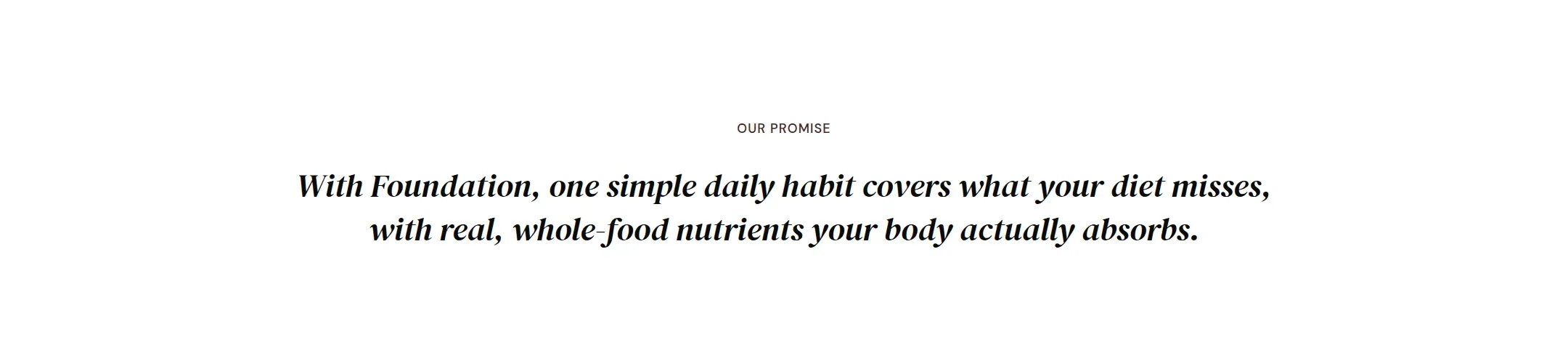
A statement in text only: label, heading, paragraph and button, centered, left or split in two columns.
munich-demo.myshopify.com
A centered rich text statement with the accent font on two words.
What it does
A text section without an image. It holds label, heading, text, specs and button blocks
and arranges them centered, left aligned or split into a heading column and a text
column. The section’s padding is larger than elsewhere by default because a statement
needs air.
When to use it
The promise under the hero, the chapter opener before a group of sections, the closing
statement above the footer. Also as the heading and intro of a standard page. For text
next to an image, use Image with text.
Blocks
Label: a small kicker above the heading.
Heading, Text, Button.
Specs: label and value pairs, for a compact fact box.
Setting it up
Add a Heading block. Italicize the two or three words that matter.
Add a Text block with one paragraph. Add a Button only if the visitor should
go somewhere from here.
Choose Layout.
Settings
Setting
Type
What it does
General
Color scheme
Color scheme
The surface of the section: background, text, buttons and accent as one contrast-checked set. Schemes are edited under Theme settings, Colors.
Width
Select
Fixed width keeps the section inside the page margin so it lines up with the sections around it. Full width runs it to the edge of the screen.Options: Fixed width, Full width · Default: Fixed width
Layout
Select
Centered stacks the blocks in the middle. Left aligns them to the margin. Split puts the heading on the left and the text on the right.Options: Centered, Left, Split · Default: Centered
Section padding
Top padding
Range
Space between the top of the section and its content. On a phone the theme tightens it by a quarter.0 to 120 px · Default: 110
Bottom padding
Range
Space between the content and the bottom of the section. On a phone the theme tightens it by a quarter.0 to 120 px · Default: 90
Label block
Setting
Type
What it does
Text
Text
A short kicker above the heading, such as a chapter name. Rendered small, spaced and uppercase.Default: Add a short label
Alignment
Select
Overrides the alignment of the section for this block only.Options: Inherit, Left, Center, Right · Default: Inherit
Heading block
Setting
Type
What it does
Heading
Text
The heading text. Italicize a word to set it in the accent font.Default: Add a heading that says what you stand for
Size
Select
How large the heading renders, on the shared type scale.Options: Large, Medium, Small, Extra small · Default: Medium
Heading level
Select
Page heading is the one heading that names what the page is about; use it once per page. Section heading and Subheading are for everything else.Options: Page heading, Section heading, Subheading · Default: Section heading
Accent font
Select
Highlight words puts the italicized words on the accent font. Whole heading sets the entire line in it. Off keeps the heading font.Options: Highlight words, Whole heading, Off · Default: Highlight words
Alignment
Select
Overrides the alignment of the section for this block only.Options: Inherit, Left, Center, Right · Default: Inherit
Text block
Setting
Type
What it does
Text
Rich text
A short kicker above the heading, such as a chapter name. Rendered small, spaced and uppercase.Default: <p>Use this text to explain the product, the story, or the promise behind it.</p>
Size
Select
How large the heading renders, on the shared type scale.Options: Large, Medium, Small · Default: Medium
Alignment
Select
Overrides the alignment of the section for this block only.Options: Inherit, Left, Center, Right · Default: Inherit
Specs block
No settings
Spec block
Setting
Type
What it does
Label
Text
The name of the row, such as Serving size.Default: Made of
Value
Text
The value shown next to the label. Bold and links are kept.Default: Recycled handle with soft vegan bristles
Button block
Setting
Type
What it does
Button label
Text
The name of the row, such as Serving size.Default: Shop now
Button link
Link
Where the button leads.
Button style
Select
Solid is the primary button in the scheme colors, Outline a bordered button, Text link a plain underlined link.Options: Solid, Outline, Text link · Default: Solid
Size
Select
How large the heading renders, on the shared type scale.Options: Large, Medium · Default: Medium
Alignment
Select
Overrides the alignment of the section for this block only.Options: Inherit, Left, Center, Right · Default: Inherit
This section also accepts app blocks, so apps that provide one can add content here.
Tips
Split layout puts the heading on the left and the text and button on the right. It reads well for a longer paragraph.
Set the heading to Whole heading in the accent font for a large pull quote. Keep it to one or two lines.
Rich text is the right section for the page heading on a page template: one Heading block set to Page heading, and the rest of the page as sections below.