
Highlights
An index of entries beside a picture, one open at a time, for ingredients, materials, features or chapters.
munich-demo.myshopify.com
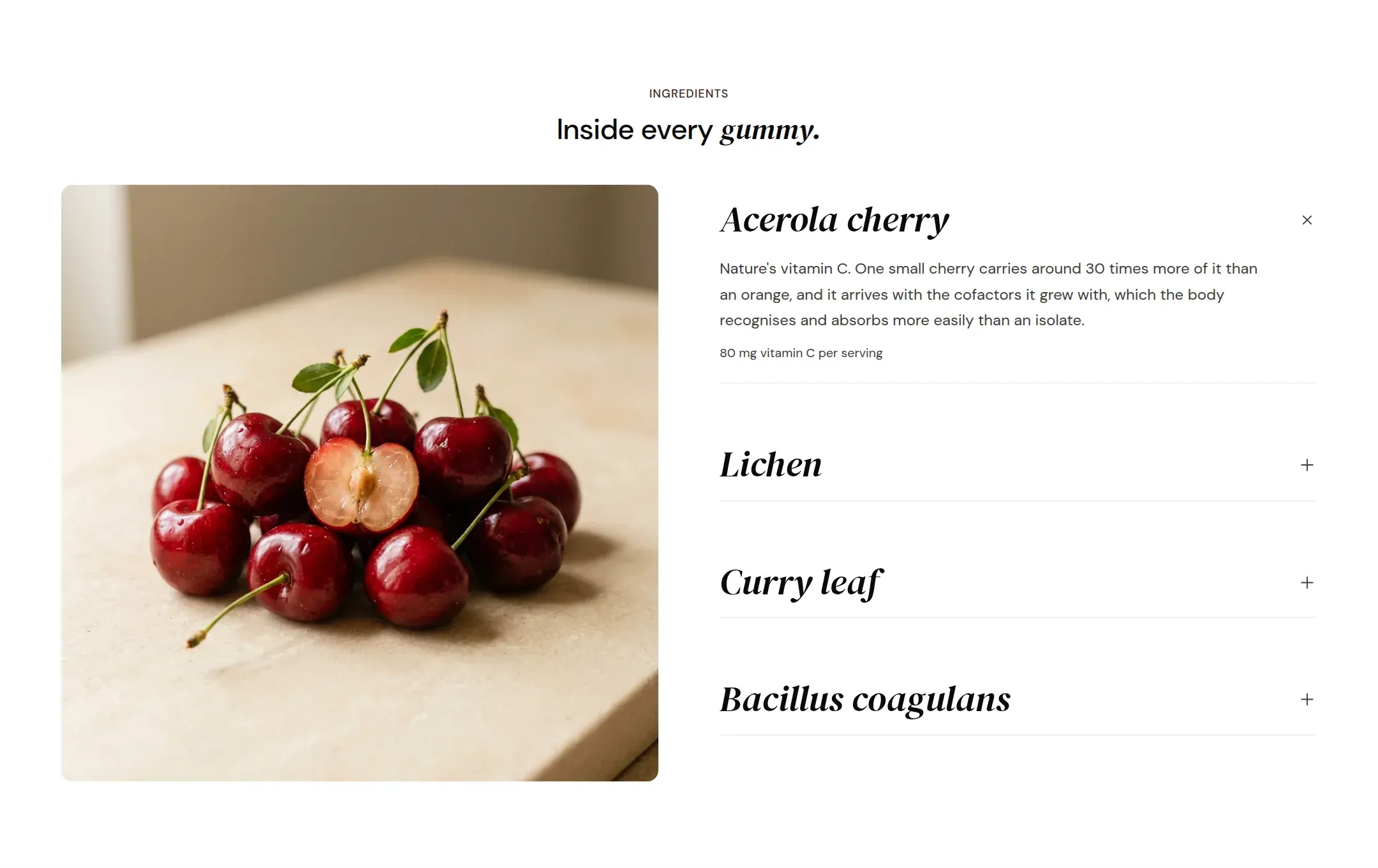
What it does
A heading, a picture and a list of entries. In Index layout the entries open one at a time like an accordion, and the picture column shows the image of the open entry, so a list of ingredients becomes a guided tour through the product. In Callouts layout the section shows one picture and the entries beside it as a compact list, all visible.
When to use it
What the product is made of, what a device contains, the four things a service includes, the chapters of a method. It is the section that explains the inside of the product; the Comparison explains it against others, and How it works explains the use.
Blocks
- Highlight: image for the index layout, title, text, a note line, an optional link and whether it starts open.
Setting it up
- Choose Layout. For Index, skip the section picture; for Callouts, upload it.
- Add four to six Highlight entries. Upload an image on each for Index layout.
- Tick Open by default on the first entry.
- Write the heading with the accent on the one word that matters: “What it is made of.”
Settings
| Setting | Type | What it does |
|---|---|---|
| General | ||
| Color scheme | Color scheme | The surface of the section: background, text, buttons and accent as one contrast-checked set. Schemes are edited under Theme settings, Colors. |
| Width | Select | Fixed width keeps the section inside the page margin so it lines up with the sections around it. Full width runs it to the edge of the screen.Options: Fixed width, Full width · Default: Fixed width |
| Layout | Select | Index opens one entry at a time and shows that entry's picture beside the list. Callouts shows one picture and all entries as a compact list.Options: Index, Callouts · Default: Index |
| Picture | ||
| Image | Image | The picture for the Callouts layout. The Index layout uses the picture on each entry instead. |
| Image position | Select | Which side of the entries the picture column sits on. On a phone the picture always sits above the entries.Options: Left, Right · Default: Left |
| Image ratio | Select | The shape of the picture column.Options: Portrait, Square, Adapt to image · Default: Portrait |
| Header | ||
| Label | Text | A small kicker above the heading, such as Ingredients. |
| Heading | Text | The heading of the section. Italicize a word to set it in the accent font.Default: What it is <em>made of.</em> |
| Size | Select | How large the heading renders, on the shared type scale from Theme settings, Typography.Options: Large, Medium, Small, Extra small · Default: Medium |
| Heading level | Select | Page heading is the one heading that names what the whole page is about; use it once per page, usually on the first section. Everything else is a section heading.Options: Page heading, Section heading · Default: Section heading |
| Accent font | Select | Highlight words puts the italicized words on the accent font. Whole heading sets the entire line in it. Off keeps the heading font throughout.Options: Highlight words, Whole heading, Off · Default: Highlight words |
| Text | Rich text | A short paragraph under the heading. Keep it to one or two sentences. |
| Content alignment | Select | Whether heading, text and buttons sit left, centered or right inside the section.Options: Left, Center · Default: Left |
| Link label | Text | Text of an optional link at the end of the entry. |
| Link | Link | Where the entry link leads. |
| Section padding | ||
| Top padding | Range | Space between the top of the section and its content. On a phone the theme tightens it by a quarter.0 to 120 px · Default: 90 |
| Bottom padding | Range | Space between the content and the bottom of the section. On a phone the theme tightens it by a quarter.0 to 120 px · Default: 90 |
Highlight block
| Setting | Type | What it does |
|---|---|---|
| Image | Image | The picture for the Callouts layout. The Index layout uses the picture on each entry instead. |
| Title | Text | The name of this entry, visible when it is closed.Default: Name one thing this is made of |
| Text | Rich text | What it is, where it comes from, why it is in the product.Default: <p>Say what it is, where it comes from and why it is in here.</p> |
| Note | Text | A small line under the text, for a measure or a source. |
| Link label | Text | Text of an optional link at the end of the entry. |
| Link | Link | Where the entry link leads. |
| Open by default | Checkbox | Shows this entry open when the page loads. Only one entry can be open; tick it on the first.Default: off |
Tips
- Index layout swaps the picture as the visitor opens each entry, so every entry needs its own image. Callouts layout uses one picture for the section.
- Four to six entries is the range that works. Beyond that the index gets longer than the picture.
- The Note line under an entry is made for a measure or a source: 80 mg vitamin C per serving, or the origin of a material.
- Set Open by default on the first entry so the section never shows an empty picture column.