
Breadcrumbs
The path from the home page to the current page, or a single back link.
munich-demo.myshopify.com
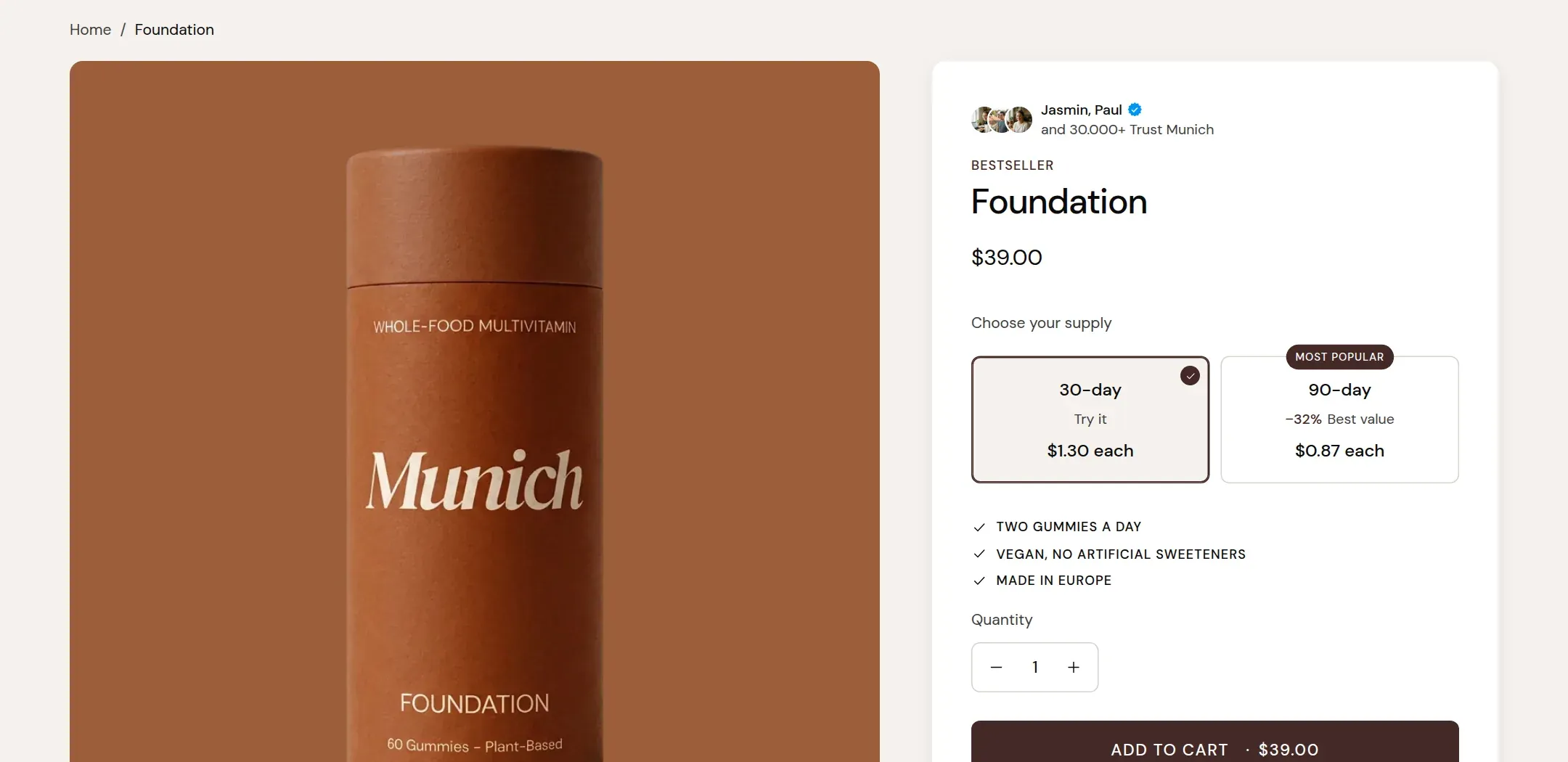
What it does
Shows where the visitor is: Home, the collection, the product. On blog posts it shows the blog; on pages it shows the page. Back link replaces the path with a single link one level up. The theme writes the same path as structured data in the page head, so search engines can show it in results.
When to use it
At the top of the product, collection, blog, blog post, page and search templates. Not on the home page. The demo puts it on every template except the home page and the cart.
Setting it up
- Add the section at the top of the template, above the main section.
- Choose Layout and Separator.
- Set Alignment to match the page: left for a product page, centered for a centered collection banner.
Settings
| Setting | Type | What it does |
|---|---|---|
| General | ||
| Color scheme | Color scheme | The surface of the section: background, text, buttons and accent as one contrast-checked set. Schemes are edited under Theme settings, Colors. |
| Width | Select | Fixed width keeps the section inside the page margin so it lines up with the sections around it. Full width runs it to the edge of the screen.Options: Fixed width, Full width · Default: Fixed width |
| Layout | Select | Full path shows Home, the collection and the current page. Back link shows a single link to the page above.Options: Full path, Back link · Default: Full path |
| Separator | Select | The character between the crumbs.Options: Chevron, Slash, Dot · Default: Chevron |
| Show home link | Checkbox | Starts the path with a link to the home page.Default: on |
| Alignment | Select | Whether the trail sits at the left margin or is centered.Options: Left, Center · Default: Left |
| Section padding | ||
| Top padding | Range | Space between the top of the section and its content. On a phone the theme tightens it by a quarter.0 to 60 px · Default: 16 |
| Bottom padding | Range | Space between the content and the bottom of the section. On a phone the theme tightens it by a quarter.0 to 60 px · Default: 8 |
Tips
- On a product page the collection step appears only when the visitor came through a collection page. A product opened from a search or a direct link shows Home and the product.
- Keep the padding small. The section is a wayfinding line, not a heading.
- Use Back link on templates where the path would be trivial, such as the blog post template, where the path is always Home, Blog, Post.