
Cart drawer
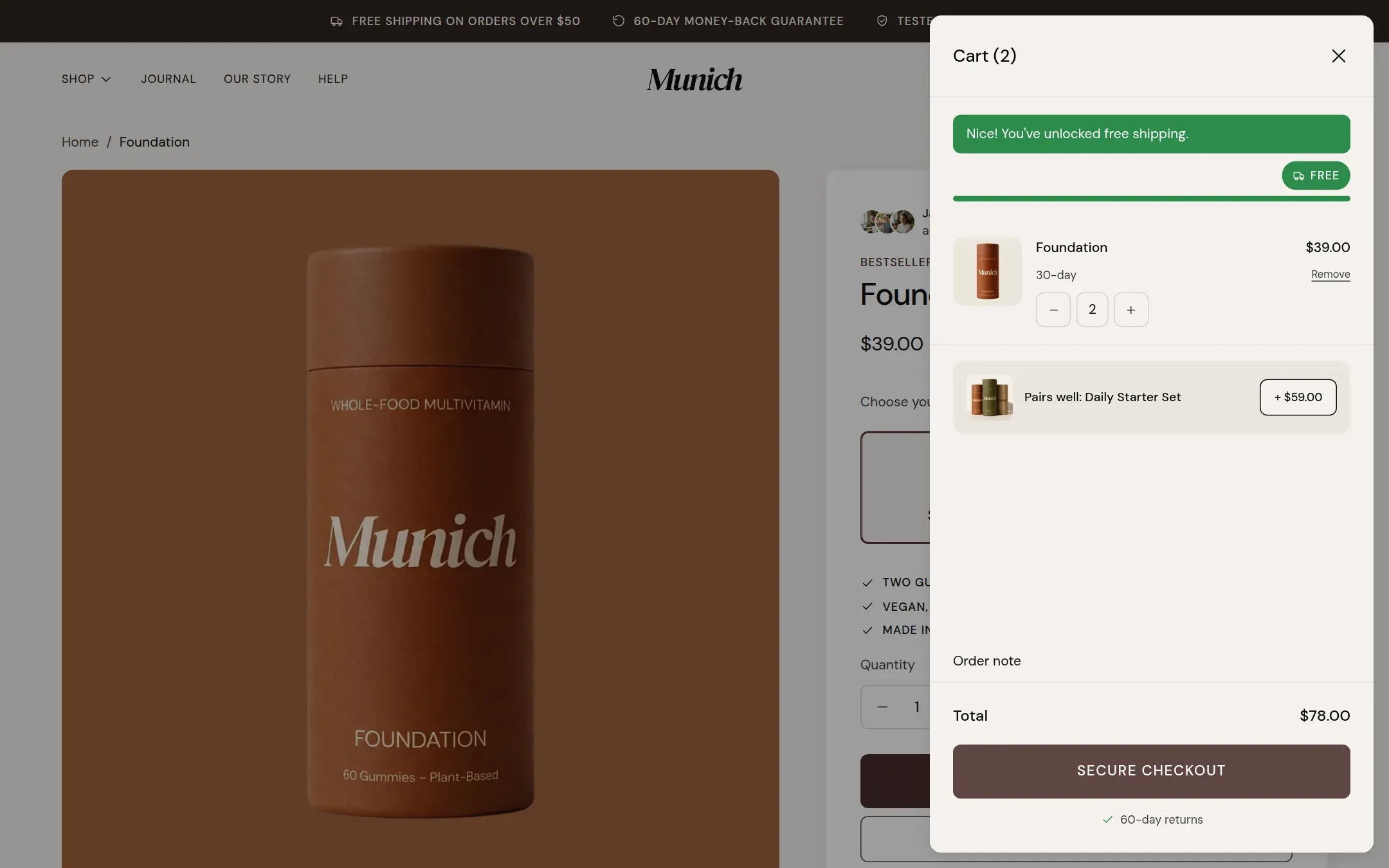
The cart that opens over the page when something is added, with free shipping bar, upsell, note and checkout.
munich-demo.myshopify.com
What it does
A panel that slides in over the page when the visitor adds something or clicks the cart icon. It shows the free shipping progress, the cart lines with quantity and remove, the upsell product with an add button, the order note, the total, the checkout button and the reassurance line. Changes are saved immediately; there is no update button.
When to use it
It is always part of the theme and opens when Cart type under Theme settings → Cart is Drawer. Set Cart type to Page to send visitors to the cart page instead.
Setting it up
Theme settings → Cart. See Cart for every setting.
Settings
This section has no settings of its own.
Tips
- The drawer has no settings of its own. Everything, from drawer or page to the free shipping threshold and the upsell product, is set under Theme settings, Cart.
- The cart icon in the header is always a real link to the cart page. The drawer is what opens when JavaScript is available; without it the link works as a link.
- Adding to cart from a product card, the quick view, the sticky buy bar and the buy box all open the same drawer.