
Page
The content of a standard page, with or without its title, narrow or wide.
munich-demo.myshopify.com
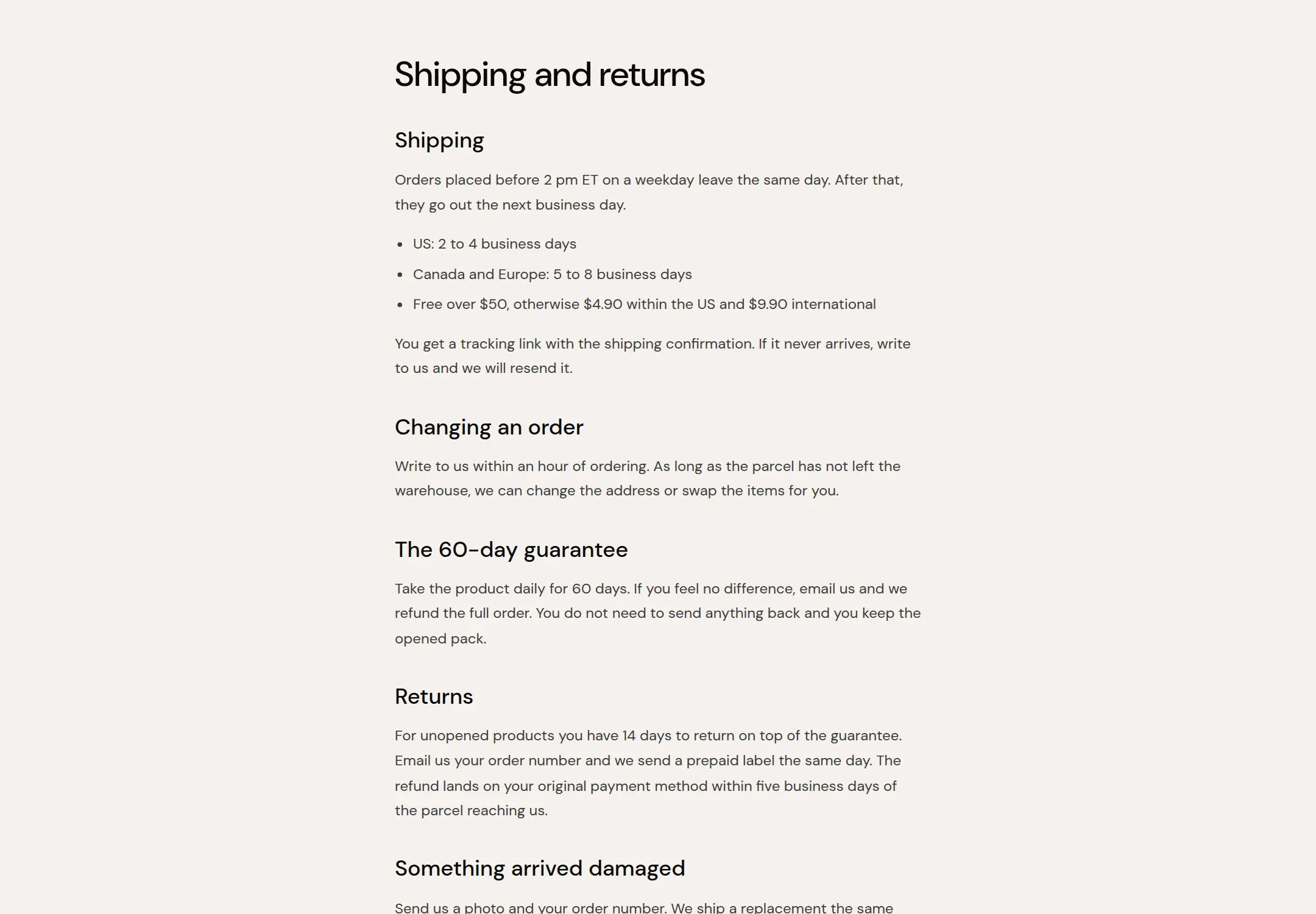
What it does
The main section of the page template: the page title and the page content from the admin, in a narrow or wide column. Policy pages, shipping information, about text written in the admin.
When to use it
It is on the page template already. Pages built from sections (about, landing pages) use
their own template, such as page.about, where this section is replaced by sections.
Setting it up
- Choose Content width and whether to Show title.
Settings
| Setting | Type | What it does |
|---|---|---|
| General | ||
| Color scheme | Color scheme | The surface of the section: background, text, buttons and accent as one contrast-checked set. Schemes are edited under Theme settings, Colors. |
| Content width | Select | Narrow is the reading width for long text. Wide suits pages with tables.Options: Narrow, Wide · Default: Narrow |
| Show title | Checkbox | Shows the page title above the content. Turn it off when a section above carries the heading.Default: on |
| Section padding | ||
| Top padding | Range | Space between the top of the section and its content. On a phone the theme tightens it by a quarter.0 to 120 px · Default: 60 |
| Bottom padding | Range | Space between the content and the bottom of the section. On a phone the theme tightens it by a quarter.0 to 120 px · Default: 80 |
Tips
- For a page that is built from sections, such as About, turn Show title off and set the title with a Rich text section's Heading block as Page heading, or remove this section from that template.
- Narrow is the reading width for policy pages and long text. Wide for pages with tables.