
Blog post
The article page: title, meta line, the post, a mentioned product, share links and more articles.
munich-demo.myshopify.com
What it does
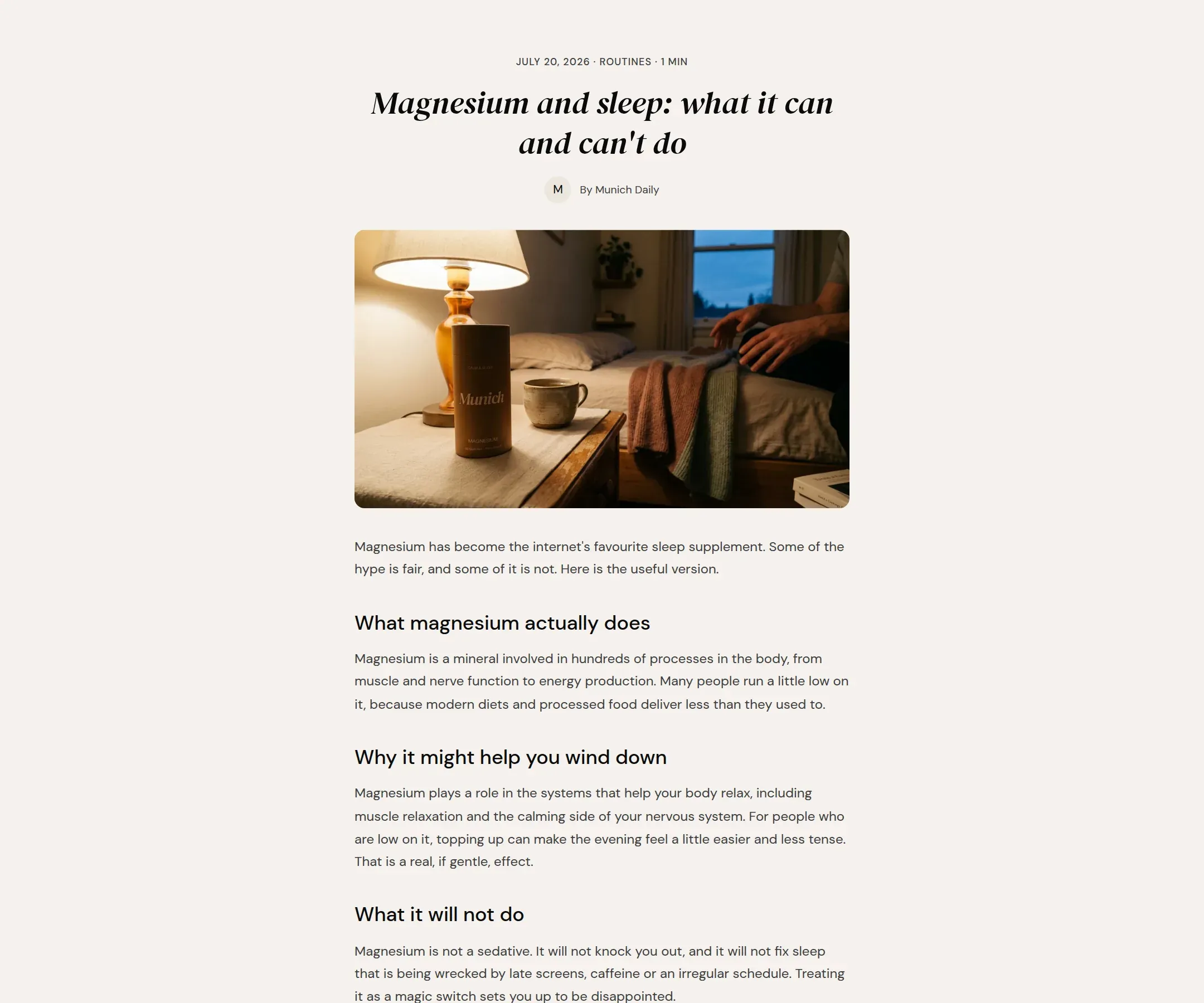
The main section of the article page: the title, a meta line with date, tag, reading time and author, the featured image, the post body, then the mentioned product card, share links and a row of more articles from the same blog. Comments show when they are enabled on the blog.
When to use it
It is on the article template already, under the breadcrumbs and above the Featured product.
Setting it up
- Choose Content width.
- Decide which meta lines to show.
- Decide on Show mentioned product, Show share links and Show more articles.
Settings
| Setting | Type | What it does |
|---|---|---|
| General | ||
| Color scheme | Color scheme | The surface of the section: background, text, buttons and accent as one contrast-checked set. Schemes are edited under Theme settings, Colors. |
| Content width | Select | Narrow is the reading width, about 70 characters a line. Wide suits posts with large images.Options: Narrow, Wide · Default: Narrow |
| Meta | ||
| Show date | Checkbox | Shows the publication date in the meta line.Default: on |
| Show tag | Checkbox | Shows the post's first tag in the meta line.Default: on |
| Show reading time | Checkbox | Shows the reading time, worked out from the word count.Default: on |
| Show author | Checkbox | Shows the author's name in the meta line.Default: on |
| Sharing and more | ||
| Show mentioned product | Checkbox | Shows the product set in the post's custom.product metafield as a card at the end of the post.Default: on |
| Show share links | Checkbox | Shows share links under the post.Default: on |
| Show more articles | Checkbox | Shows a row of other posts from the same blog under the post.Default: on |
| Articles to show | Range | How many other posts to show.2 to 4 · Default: 2 |
| Section padding | ||
| Top padding | Range | Space between the top of the section and its content. On a phone the theme tightens it by a quarter.0 to 120 px · Default: 64 |
| Bottom padding | Range | Space between the content and the bottom of the section. On a phone the theme tightens it by a quarter.0 to 120 px · Default: 64 |
Tips
- Show mentioned product reads a product metafield on the article (custom.product) and shows that product as a card at the end. Set it per post in the admin; posts without it show nothing there.
- Narrow content width is the reading width, about 70 characters a line. Use Wide for posts with large images and little text.
- Reading time is worked out from the word count. Nothing to set.
- The demo template adds a Featured product section below this one, so every post ends with a buy box.